In this guide
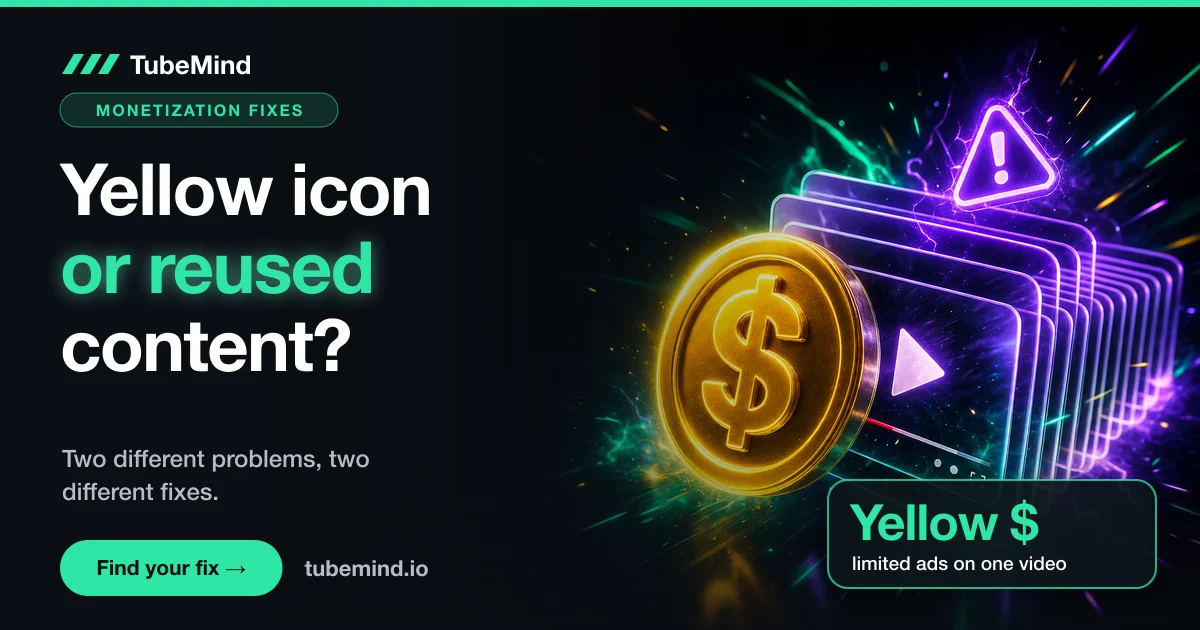
Short answer: A yellow dollar icon and a "reused content" rejection are two different problems. The yellow icon means one video does not meet YouTube's advertiser friendly guidelines, and you fix it by editing or requesting a review (up to 7 days). Reused content is a channel level Partner Program decision, and you fix it by changing the channel, then appealing within 21 days or reapplying after 30 or 90 days.
Key takeaways
- YouTube's monetization icon guide never links the yellow icon to reused content. Yellow means a video "doesn't meet all our advertiser-friendly content guidelines".
- Reused content "applies to your channel as a whole", and it can remove monetization from the entire channel.
- Permission from the original creator does not make reused content eligible, YouTube says.
- Yellow icon appeals can take up to 7 days, and the reviewer's decision is final. Deleting and re uploading the video does not help.
- After a first Partner Program rejection you can reapply after 30 days, or appeal within 21 days with a video under 5 minutes.
Every week I see creators post a screenshot of a yellow dollar sign and ask how to fix "reused content". Most of the answers they get mix up two separate systems, so they fix the wrong thing. I have been on YouTube since 2018, and on 7 November 2026 I went through YouTube's own help pages on monetization icons, appeals and the Partner Program to untangle them.
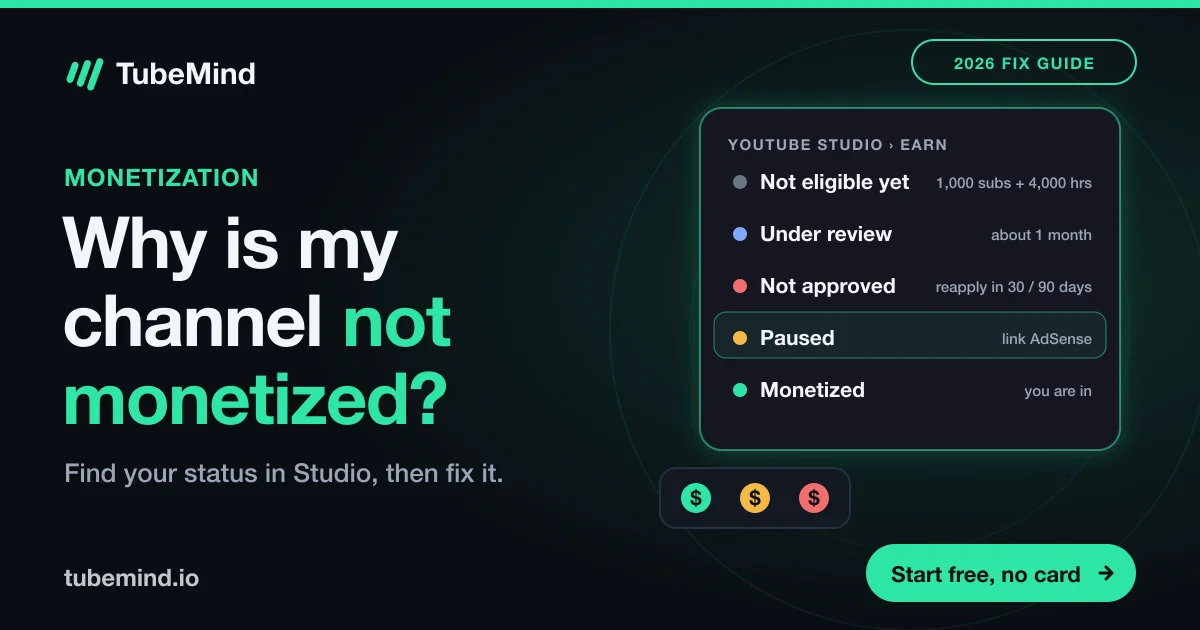
Start with the table below. Find what you see in YouTube Studio, and it tells you which problem you have and where to go next.
Which problem do you have?
| What you see | Where | Affects | What it is | What to do |
|---|---|---|---|---|
| Yellow $ icon on a video | Studio, Content tab | One video | Limited ads under the advertiser friendly guidelines | Edit the issue, or request a human review (up to 7 days) |
| Grey icon saying checks are in progress | Studio, Content tab | One video | Ad suitability check still running | Wait. Icons generally settle within 24 hours |
| Red $ icon or not eligible | Studio, Content tab | One video | Often a copyright issue | Resolve the claim or remove the material |
| Email or Earn tab says "reused content" | Studio, Earn tab and email | Whole channel | Partner Program reused content policy | Fix the channel, then appeal (21 days) or reapply (30 or 90 days) |
| Email says "inauthentic content" | Studio, Earn tab and email | Whole channel | Mass produced or repetitive videos | Change how you make videos, then appeal or reapply |
If you are not monetized yet and wondering why, my guide on why a YouTube channel is not monetized covers every reason Studio can show.
What the yellow icon means
The yellow icon is about ads, not about copying. YouTube's icon guide says yellow means the video "doesn't meet all our advertiser-friendly content guidelines", so fewer advertisers will run ads on it. Green means it meets them.
The label under the icon tells you more. "Ad suitability" means YouTube's automated systems assessed the video. Common triggers in the advertiser friendly guidelines include strong language, violence, shocking content, sensitive events and adult themes, especially in the title, thumbnail or first seconds.
Since March 2025, some videos are also sent for an automatic second review that can take up to 24 hours, according to YouTube Help. You can still appeal if you disagree with the result.
How to fix a yellow icon, step by step
- Wait a day. YouTube says icons generally stabilize within 24 hours, and some change after the automatic review.
- Look for the reason. Check the title, thumbnail, description and the opening of the video against the advertiser friendly guidelines. Some review results show the issue and a timestamp.
- Edit if you can. Changing a title or thumbnail can fix a metadata issue. Trimming a section in YouTube Studio's editor can remove a problem moment.
- Request a human review. In Studio, open Content, hover the status in the Notices column, and use the action on the summary card. YouTube says appeals can take up to 7 days.
- Accept the result. YouTube says the reviewer's decision is final, and once a specialist confirms it, the yellow status cannot be changed.
Two things not to do. Do not delete and re upload the video: YouTube Help says plainly that it "won't help". And do not rely on the numbers floating around about a minimum view count for reviews. I could not find an official figure, and YouTube's appeal page does not state one.
Once you have been in the Partner Program for a while, YouTube may offer Self Certification, where you rate your own videos when you upload them. YouTube says that if your ratings are accurate, it will rely on your input over its automated systems.
What reused content means
Reused content is a channel level rule in the YouTube Partner Program. YouTube defines it as channels that "repurpose content that's already on YouTube" or elsewhere without adding significant original commentary or changes.
| Usually fine (YouTube's examples) | Not eligible (YouTube's examples) |
|---|---|
| Using clips for a critical review | Clips of moments from a show edited together with little or no narrative |
| Reaction videos where you comment on the original | Collections of songs from different artists, even with permission |
| Footage from other creators where you add a storyline and commentary | Content copied from another source without meaningful changes |
| A movie scene where you rewrite the dialogue and change the voiceover |
Two details trip people up. First, permission does not help: YouTube says the policy "applies even if you have permission from the original creator." Second, reviewers look at the channel as a whole, including its main theme, most viewed and newest videos, and the About section. One borrowed clip will not sink a channel. A channel built mostly on other people's footage will.
Reused content vs inauthentic content
On 15 July 2025, YouTube renamed its "repetitious content" policy to "inauthentic content" and clarified it. YouTube said this kind of content has always been ineligible, and that the reused content policy itself did not change.
- Reused content is about other people's material without meaningful change.
- Inauthentic content is about your own output being mass produced or repetitive: slideshows or scrolling text with little narrative, AI videos made with generic templates, or the same situation repeated with the same outcome.
The rejection email names the policy. Read it carefully, because the fixes differ. For faceless and AI assisted channels, my guides on faceless YouTube channels and YouTube automation cover what still gets monetized.
How to fix a channel after a reused content rejection
- Audit what a reviewer sees first. Your channel theme, your most viewed videos, your newest videos and your About section.
- Measure your own contribution. For each top video, ask how much of the screen time and audio is yours: your voice, your analysis, your footage, your story. If the honest answer is "very little", that video is the problem.
- Edit, make private or remove the worst videos. YouTube's rejection FAQ advises you to "edit or delete any videos that violate our policies". The review judges the channel in its current state, so fix it before you appeal or reapply.
- Publish new, clearly original videos. Commentary, a storyline, teaching, or your own footage. A few strong new uploads change what a reviewer sees first.
Appeal or reapply?
| Option | When | Rules from YouTube Help |
|---|---|---|
| Appeal | Within 21 days of the rejection | Unlisted video under 5 minutes, channel URL shown in the first 30 seconds, explain how you make your content. Response within 14 days |
| Reapply, first rejection | 30 days after the rejection email | Fix the channel first |
| Reapply, later rejections | 90 days after the rejection email | Same |
| After a failed appeal | 90 days after the rejection | Reapply once the channel has changed |
My view: appeal only if you believe the reviewer got it wrong and your channel already shows clear original work. If you know some videos were mostly borrowed, fix the channel and reapply after the wait. YouTube also warns not to apply with related channels during a suspension.
What this guide cannot settle
- YouTube does not publish exactly what share of original material is enough. The examples above are the best official guide.
- I could not confirm a minimum view count for yellow icon reviews.
- Policies change. Check the linked help pages before you appeal.
If you are choosing a new direction for a channel, look for topics where original small channels are winning. The free faceless niche finder and niche checker show which niches are open right now.
Sources
YouTube Help, all read on 7 November 2026: monetization icon guide, appeal for limited or no ad earnings, additional reviews for ad monetization, Self Certification, YouTube channel monetization policies (reused and inauthentic content), rejected for monetization FAQ and appeal a Partner Program rejection. News: Search Engine Journal on the July 2025 update and Tubefilter on the March 2025 automatic review.
Rebuilding a channel? Check which niches are open for original channels.
Research right on YouTube: the free TubeMind Chrome extension shows the outlier multiplier, a revenue estimate and similar channels on YouTube pages.
Frequently asked questions
What does the yellow exclamation mark on YouTube mean?
Most creators who ask this mean the yellow monetization icon next to a video in YouTube Studio. It means the video earns limited or no ads because something in it (the visuals, audio, title, thumbnail or description) does not meet the advertiser friendly guidelines. It is not a strike and the video stays up. If the mark you see sits in the Restrictions column of the Content page instead, hover over it: Studio names the restriction there, such as a copyright claim or an age restriction. For claims, see copyright claim vs copyright strike.
What does the yellow dollar icon mean on YouTube?
It means one video does not meet all of YouTube's advertiser friendly guidelines, so it earns limited ad revenue. It is a per video ad suitability result, separate from the channel level reused content policy.
Is the yellow icon caused by reused content?
Not according to YouTube's monetization icon guide, which ties yellow to the advertiser friendly guidelines. Reused content is judged on the whole channel during Partner Program review, and a rejection email names it.
How long does a yellow icon review take?
YouTube says appeals for limited or no ad earnings can take up to 7 days, and the reviewer's decision is final. Some videos also get an automatic additional review that can take up to 24 hours.
How long do I wait to reapply after a reused content rejection?
30 days after the rejection email for a first rejection, and 90 days after later ones. You can also appeal within 21 days with an unlisted video under 5 minutes that explains how you make your content.
Do I have to delete videos to fix reused content?
YouTube advises you to edit or delete videos that break its policies, and it reviews the channel in its current state. You do not have to delete everything, but the videos a reviewer sees first should show clear original work.