In this guide
I started on YouTube in 2018, the year YouTube raised the Partner Program bar to 1,000 subscribers and 4,000 watch hours, and I have answered this exact question more times than I can count: in my Udemy courses, in comments, in DMs at 2 a.m. from creators who just got the email that starts with “After reviewing your channel…”.
Here is what I have learned. Almost nobody is “not monetized” for a mysterious reason. YouTube actually tells you the reason, in Studio and in the email. The problem is that most guides list ten random tips without first asking the only question that matters: what does your status say? So that is where we start.
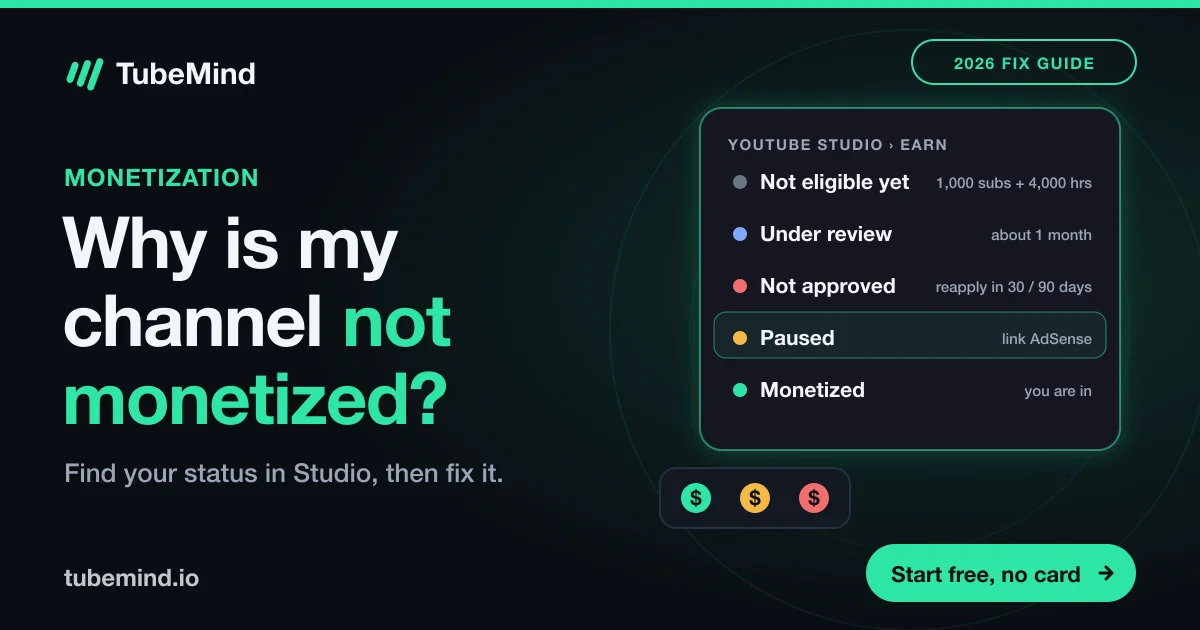
Step 1: find your exact monetization status in YouTube Studio
- Sign in to YouTube Studio on a computer.
- Click Earn in the left menu (on older layouts it was called Monetization).
- Read the status at the top, and open any email from YouTube about your application.
Then find your row in this table. Everything below is organised by these statuses, so jump to yours.
| What Studio shows | What it really means | What to do |
|---|---|---|
| Not eligible yet / progress bars | You have not hit the thresholds, or a hidden requirement is missing | Check the 2 thresholds and 6 hidden requirements |
| Under review | A human is reviewing your channel | Wait about a month, keep uploading |
| Not approved (rejected) | Reviewers think a big part of the channel breaks policy | Fix, then reapply after 30 or 90 days, or appeal within 21 |
| Paused | No active, approved AdSense for YouTube account | Link AdSense and verify it |
| Disabled or suspended | A policy violation after you were already monetized | Appeal within 21 days or reapply after 90 |
| Monetized, but a video earns nothing | That one video is limited, claimed or turned off | Read the dollar icons |
Status: not eligible yet
This is the most common one, and it is usually maths, not policy. To earn ad revenue, YouTube’s official requirement is 1,000 subscribers plus either “4,000 qualified watch hours in the last 12 months” or “10 million qualified Shorts views in the last 90 days” (YouTube Help: YPP overview). Two details catch people out: watch time from the Shorts feed does not count toward the 4,000 hours, and the window is rolling, so hours from 13 months ago have already dropped off.
There is also a lower tier that does not pay ad revenue but unlocks memberships, Super Thanks, Super Chat and Shopping:
| Fan-funding tier | Ad-revenue tier | |
|---|---|---|
| Subscribers | 500 | 1,000 |
| Uploads | 3 public uploads in the last 90 days | No fixed number |
| Watch hours (12 months) | 3,000 | 4,000 |
| or Shorts views (90 days) | 3 million | 10 million |
| Earns ad revenue? | No | Yes |
| Available in Pakistan? | No (as of Oct 2026) | Yes |
Fan-funding tier figures and its country list are from YouTube Help: expanded YPP.
Apply before 1 February 2027 if you can. From that date, new applicants need 8,000 qualified watch hours in 12 months or 20 million qualified Shorts views in 90 days, double today’s bar; channels already in the program keep their status, and the fan-funding tier does not change (Gulf News). If you are close to 4,000 hours now, this is the most expensive time to stall.
The 6 hidden requirements people miss
You can have 5,000 subscribers and still sit on “not eligible” because of one of these. YouTube lists all of them on the same page:
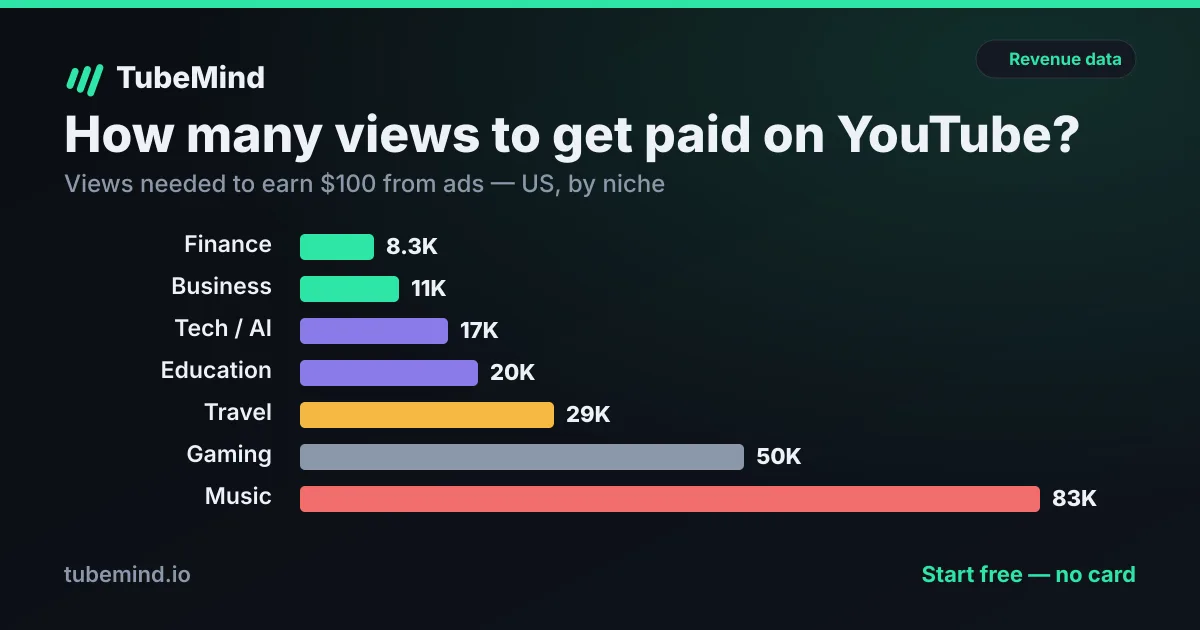
Not sure how far you are from the line? The free monetization checker puts any channel’s public numbers next to both thresholds, and how many views you need to get paid turns 4,000 hours into a realistic view count for your niche.
Status: under review
YouTube says decisions come “typically in about 1 month”, with delays when application volume is high (source). Waiting is the only fix, but how you wait matters. Reviewers look at your channel as it is during the review, so:
- Keep uploading your best, most original work. Your newest videos are what a reviewer sees first.
- Do not suddenly post compilations or re-uploads “to keep the channel active”.
- Do not change the channel’s topic halfway through the review.
Status: not approved (rejected)
A rejection means, in YouTube’s words, that “our human reviewers believe that a significant portion of your channel does not meet our policies and guidelines” (rejection FAQ). They review your videos, titles, descriptions, thumbnails and tags, and your rejection email names the policy. Read that email twice. It is the most useful document you will get from YouTube.
The two policies behind most rejections
Reused content. YouTube defines it as channels that “repurpose content that’s already on YouTube or another online source”. Not allowed: “Clips of moments from your favorite show edited together with little or no narrative”. Allowed: “Using clips for a critical review” and reactions that add your own commentary (monetization policies).
Inauthentic content. On 15 July 2025 YouTube renamed “repetitious content” to inauthentic content. It covers videos that look “made with a template”. Not allowed: “Image slideshows, templated storylines, or scrolling text with minimal or no narrative, commentary, or educational value.” Allowed: the “same intro and outro for your videos, but the bulk of your content is different”.
YouTube does not reject channels for being faceless. It rejects channels where it cannot find a human adding something.
This is why so many faceless and AI channels got rejected in the last year. If that is you, read what actually works for faceless channels and the honest take on YouTube automation before you reapply.
Reapply or appeal? The exact rules
| Option | When | Best if |
|---|---|---|
| Reapply (first rejection) | 30 days after the rejection email | You know what was wrong and have fixed it |
| Reapply (any later rejection) | 90 days after the rejection email | Same, but you have less room for error |
| Appeal | Within 21 days, however many times you have applied | You believe the reviewer made a mistake |
For an appeal, YouTube asks for a video: under 5 minutes, uploaded as a new unlisted video on the channel you are appealing, with your channel URL “within the first 30 seconds”, explaining how you create or edit your content and referencing the policies with examples. YouTube replies within 14 days (appeal guide). One warning from the same page: do not delete videos before appealing, because “your channel will be assessed in its current state.” Show your process instead: your script, your editing timeline, your voice recording.
Status: paused
Good news: this is the easiest one. YouTube says “paused monetization is different from disabled monetization”; paused simply means you need an active, approved AdSense for YouTube account linked (YouTube Help). Open Studio → Earn, link or re-link AdSense, then finish the PIN or identity verification inside AdSense. Monetization cannot continue until that verification is done. The PIN comes by post and can take weeks to arrive, so make sure the address in AdSense is complete and correct before you request it.
Status: disabled or suspended
This happens to channels that were already earning. YouTube’s list of causes: monetizing videos you do not own, repeated advertiser-friendly guideline violations, not accepting updated YPP terms, a non-monetizing agreement, or breaking the monetization, spam, AdSense or Terms of Service policies. Severe violations can disable monetization “on any of your accounts” (source).
- Read the email and Studio → Earn for the named policy.
- Fix or remove the videos that break it. YouTube notes that deleting a video “will not fix Community Guidelines or copyright issues”, so resolve strikes separately.
- Appeal within 21 days, or reapply 90 days after the suspension. If you got a scheduled-suspension notice, you have 7 days before the date to send a video appeal.
- Check AdSense verification is complete.
While suspended you can still upload and grow. You simply earn nothing from YouTube during that time, including Premium revenue and memberships.
Channel monetized, but a video earns nothing? Read the dollar icons
Go to Studio → Content and look at the Monetization column. Hover any icon for details. Here is what each one means, from YouTube’s icon guide:
| Icon | Meaning | Your move |
|---|---|---|
| Checking | Systems are checking ad suitability, usually about 20 minutes, at most an hour | Wait before publishing if you can |
| On (green) | Meets advertiser-friendly guidelines, eligible for most ads | Nothing |
| Limited (yellow) | Does not meet all advertiser-friendly guidelines, may earn less | Request a human review if you disagree |
| Ineligible | Most often a copyright claim | Remove the claimed part or dispute the claim |
| Off | Not monetized; on Shorts it means you have not accepted the Shorts Monetization Module | Turn ads on, or accept the module in Studio → Earn |
| Exceptions | Audience set to made for kids, so only non-personalized ads | Normal for kids content, expect lower RPM |
| Sharing | A music publisher claimed your cover song, revenue is split | Normal for covers |
| Escrow | Revenue is held during a Content ID dispute | It is paid to the right party when the dispute ends |
That “Off” note for Shorts is a big one. If your long videos earn and your Shorts show nothing, check that module first. For what Shorts actually pay once it is on, see how much YouTube pays for Shorts.
“But I see ads on my videos, and I’m not monetized!”
You are not imagining it. YouTube’s help centre says it plainly: “YouTube may also place ads on videos in channels not in the YouTube Partner Program” (source). Without YPP you do not get a share of that money. The other cause is a Content ID claim: if your video uses someone else’s music or footage, the owner can run ads and keep the revenue. Either way, ads on your video are not a sign that you are monetized.
For Pakistan and India: the two things that are different
The 500-subscriber tier. India is on the fan-funding tier list. Pakistan, as of October 2026, is not (official list). So a Pakistani creator with 700 subscribers will not see memberships or Super Thanks unlock the way an Indian creator would. Your target is the full 1,000 subscribers and 4,000 hours.
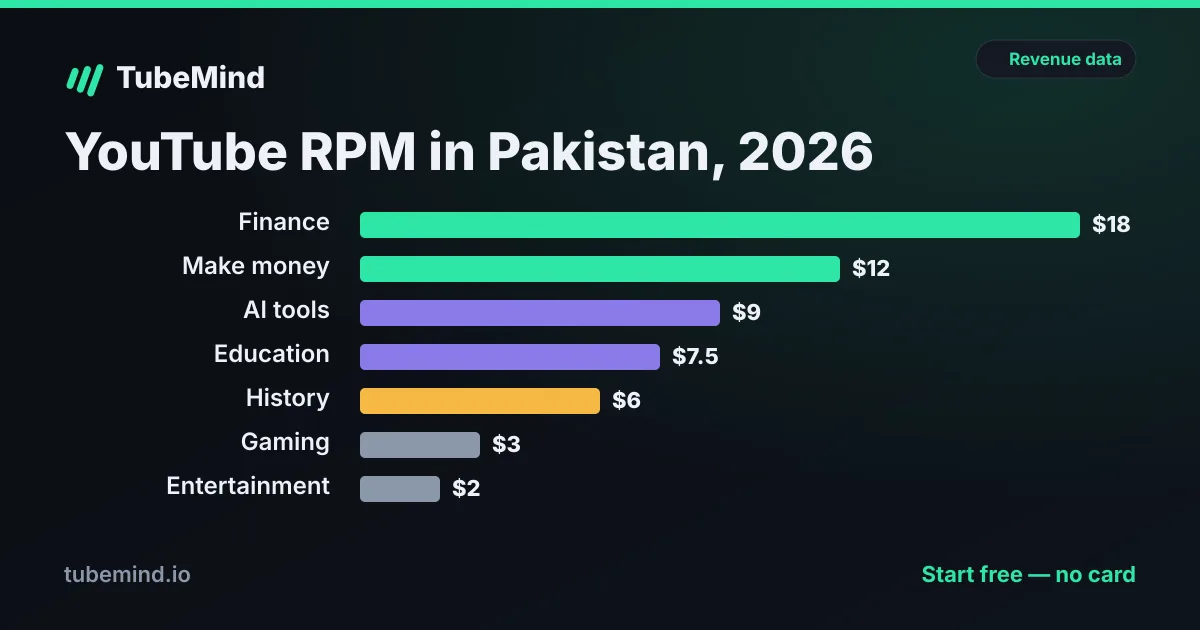
The audience trap. Getting monetized and earning well are two different problems. A channel with mostly local viewers earns a fraction of one with US viewers for the same views. Before you push for monetization, read what YouTube really pays in Pakistan so the first payment is not a shock.
Two free tools help here. The watch time calculator shows how many months you still need at your current pace, and once you are approved, the AdSense payout checklist walks you through every step before your first payment.
My checklist before you hit “apply” (or reapply)
- Scroll your last 20 uploads as if you were the reviewer. Would a stranger see a person behind each one: a voice, an opinion, a script?
- Remove or rework anything that is mostly someone else’s footage with no commentary.
- Check that titles and thumbnails match the video. Misleading packaging is reviewed too.
- Confirm 2-Step Verification, advanced features and exactly one AdSense account.
- Check there are no active strikes in Studio.
- Run your channel through the free channel audit to see your upload rhythm and views per video the way an outsider sees them.
- Upload a few strong, clearly original videos right before applying, because those are the first ones a reviewer opens.
See how close any channel is to the line with the free YouTube monetization checker, then plan the gap with how many views you need to get paid.
If the watch hours are what hold you back, read how long it takes to get 4,000 watch hours, with month by month tables and what the 8,000 hour bar from February 2027 means for you.
Sources & method
All rules, numbers and quotes are from YouTube Help, opened on 28 October 2026: YPP overview and eligibility, expanded YPP, YPP availability, rejection FAQ, appeals, monetization disabled, monetization icons, channel monetization policies and right to monetize. Country lists change; check the official pages if you read this months later. We also studied the pages ranking for “why is my youtube channel not monetized” the same day.
Research right on YouTube: the free TubeMind Chrome extension shows the outlier multiplier, a revenue estimate and similar channels on YouTube pages.
Frequently asked questions
Why is my YouTube channel not monetized even after 1,000 subscribers?
Because subscribers are only half the threshold. You also need 4,000 qualified public watch hours in the last 12 months or 10 million qualified Shorts views in the last 90 days, plus 2-Step Verification, advanced features, a linked AdSense for YouTube account, no active Community Guidelines strikes, and you must apply. Then a human review decides, which typically takes about a month.
How do I check my monetization status on YouTube?
Open YouTube Studio and click Earn in the left menu. Your status (not eligible yet, under review, not approved, paused, or monetized) shows there. For single videos, open Content and read the Monetization column.
What does paused monetization mean?
Paused is the easiest problem to fix. YouTube says paused monetization means you need to link an active and approved AdSense for YouTube account. Link it in Studio → Earn, finish any PIN or identity check in AdSense, and monetization resumes.
How long do I have to wait to reapply after a rejection?
30 days after your first rejection email. If it is not your first rejection, or you already reapplied once, the wait is 90 days. You can also appeal within 21 days if you think the decision was wrong.
Why does my video have a yellow dollar sign?
Yellow means limited ads: YouTube thinks the video does not meet all of its advertiser-friendly guidelines, so it may earn less. You can request a human review from the video’s monetization page if you think the system got it wrong.
Why are there ads on my videos if I am not monetized?
YouTube’s terms allow it to show ads on any channel. Its help centre says “YouTube may also place ads on videos in channels not in the YouTube Partner Program.” If you are not in the program, that ad money does not reach you. Ads can also come from a copyright owner who claimed your video through Content ID.
Can a faceless or AI channel get monetized in 2026?
Yes, if it adds real value. Since 15 July 2025 YouTube calls mass-produced, template-like uploads “inauthentic content”, and image slideshows or scrolling text with minimal narrative or commentary are listed as not allowed. Original scripts, real commentary and visible editing effort are what reviewers look for.
Is YouTube monetization available in Pakistan?
Yes, Pakistan is on YouTube’s official list of Partner Program countries, so the standard 1,000-subscriber tier works. But as of October 2026 Pakistan is not on the list for the expanded 500-subscriber fan-funding tier, which India has, so Pakistani creators must reach the full threshold.