In this guide
Key takeaways
- Both have a free plan and both start at $19 a month; vidIQ Boost falls to $16.58 billed yearly (2 Nov 2026).
- Free outlier results: up to 50 on TubeMind, 8 on vidIQ's plan table.
- vidIQ has keyword volume, an AI Coach and a thumbnail generator. TubeMind has none of the three.
- vidIQ AI actions spend a monthly credit pool, and unused plan credits do not roll over.
I built one of these two, so I am not a neutral judge. So I will tell you exactly where vidIQ is the better buy, and leave you to decide whether the rest of my argument holds up.
I already wrote a list of vidIQ alternatives for people leaving vidIQ. This article answers a narrower question. You have these two names in front of you, and you want to know which one fits the problem you have this month.
The two products side by side
Every line about vidIQ below comes from its public pricing and help pages. I did not use a vidIQ account for this comparison.
| At a glance | TubeMind | vidIQ |
|---|---|---|
| Free plan | Yes | Yes |
| Outlier results per search, free plan | Up to 50 | 8 on its plan table, 6 on its Outliers page |
| Competitors tracked, free plan | 3 | Up to 3 |
| Cheapest paid plan | $19/mo | $19/mo, or $16.58/mo billed yearly |
| Top self-serve plan | $39/mo | $49/mo, or $39/mo billed yearly |
| AI allowance, free plan | 15 runs a day | 150 credits a month |
| Keyword search volume number | No | Yes |
| AI Coach | No | Yes |
| AI thumbnail generator | No | Yes |
| Enter / Wait / Avoid niche verdict | Yes | Not on its pricing page |
| MCP for Claude & ChatGPT | Paused for now | Yes, uses AI credits |
| Chrome extension | Yes | Yes |
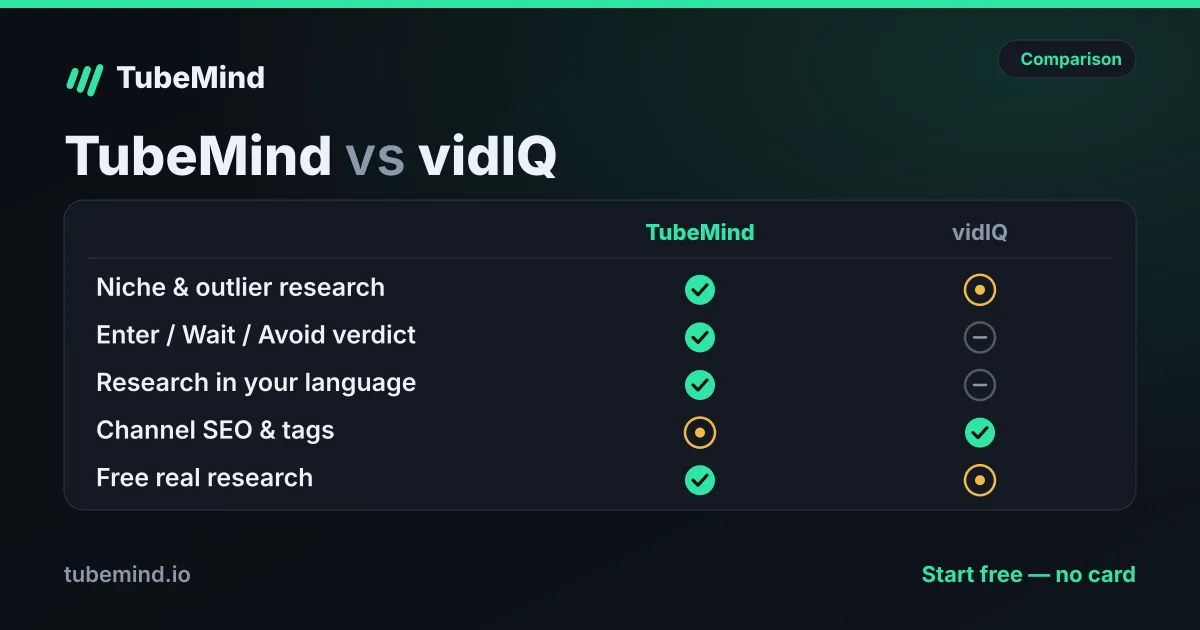
The pattern is easy to read once you group the rows. vidIQ's advantages sit in the moment after you have an idea: how to word it, what score it gets, how to design the thumbnail, what the coach thinks. TubeMind's advantages sit before that moment: how much you can look at for free, and whether the niche is worth entering at all.
Our paid plans are arranged by email for now, since online checkout is not open yet. vidIQ takes payment on its site today, and that is a practical point in its favour.
Which problem do you have?
The fastest way to choose is to name the problem. This table is how I would sort it.
| Your problem this month | Start with | Why |
|---|---|---|
| I have no idea what to make next | TubeMind | 200 free outliers per search, sorted by what beat its channel's usual views |
| I am choosing a niche for a new channel | TubeMind | A niche verdict plus the channels behind it |
| My video is finished and I want a better title | vidIQ | Keyword scores and a title generator at 3 credits a run |
| I want someone to talk my channel through with | vidIQ | The AI Coach reads your own channel |
| I need a thumbnail and I cannot design | vidIQ | A generator at 22 credits a run; TubeMind has none |
| I make videos in Urdu or Hindi | TubeMind | Similar channels are matched by language first |
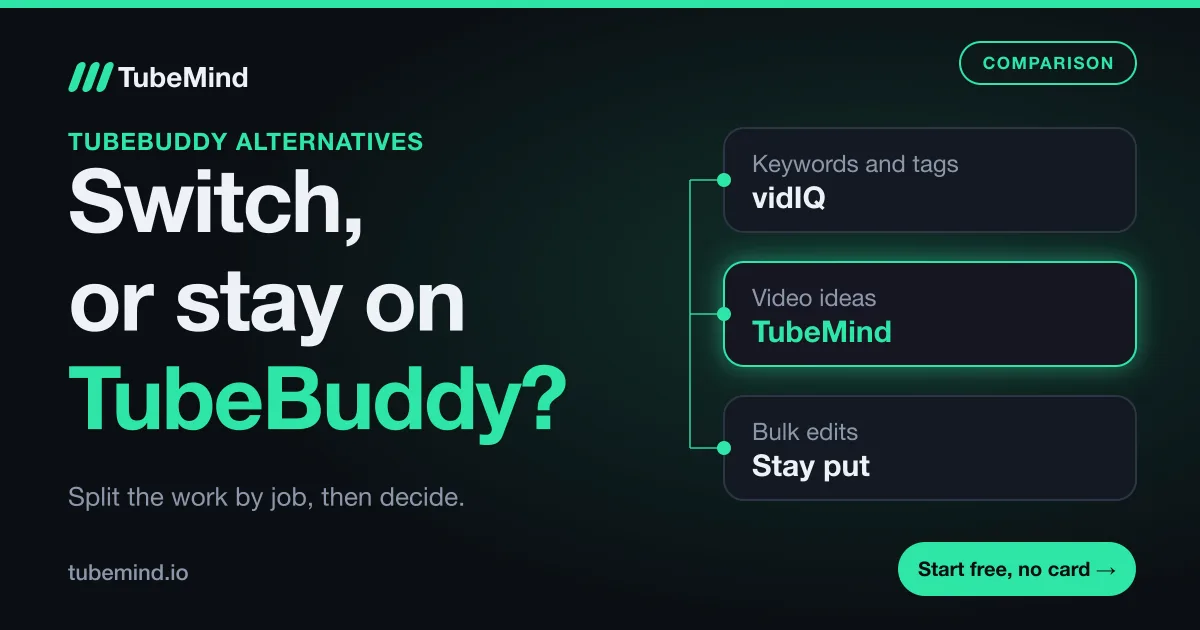
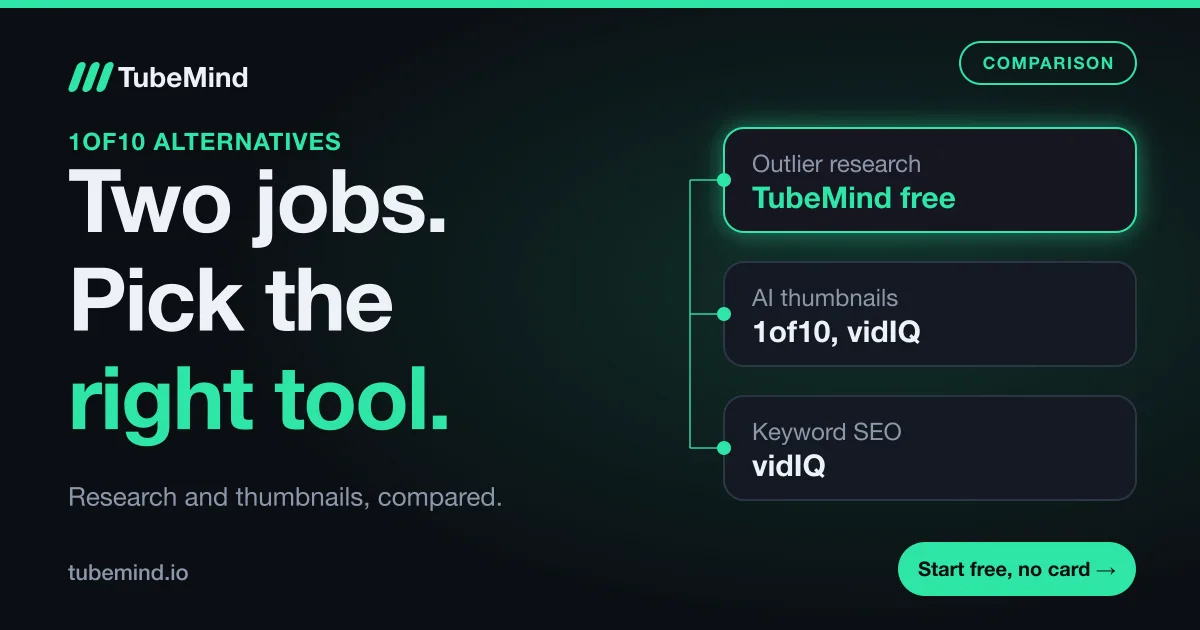
If your month has rows from both sides, that is normal. Topic first, packaging second is the order a video gets made in, so you can run a free plan on each side before paying for either.
What the credit pool means for vidIQ
vidIQ splits access in two. Some features have per-plan limits, such as results per search. AI tools share a monthly credit balance, and vidIQ prints the cost of each action.
| vidIQ action | Credits | Uses from Free (150) | Uses from Boost (2,000) |
|---|---|---|---|
| AI Coach message, regular | 10 | 15 | 200 |
| Thumbnail generation or edit | 22 | 6 | 90 |
| Title Generator run | 3 | 50 | 666 |
A worked example: on Boost, ten thumbnail attempts and fifty coach messages use 720 credits, which leaves plenty. On Free, the same week would have ended after six thumbnails. That is a fair way to sell AI, since AI costs money to run. Just remember that plan credits expire each month, so a quiet month does not carry over.
TubeMind's free plan has 15 AI research runs a day. They do smaller jobs, like titles and summaries, so the two allowances do not compare directly. Research on TubeMind uses no credits at all, on any plan.
What I like and miss in vidIQ
What I like: the extension is rich even on Free. Its plan table lists scorecards, Outlier Score and Views Per Hour for every user, which is generous. The coach answering questions about your own channel is something a research tool cannot do. Keyword tools are its home ground.
What I miss: small free limits on research, with 3 keyword results per search. There is also a mismatch between its own pages on the outlier cap, which makes it harder to know what you will get. And its connector for Claude and ChatGPT draws from the same credit pool as everything else.
What I like and miss in TubeMind
What I like: you can do useful research before anyone asks for money. Multipliers use the median of a channel's recent similar uploads, and I publish how scores work so you can check the maths. The niche checker and many other tools are free without an account.
What I miss: there is no search volume number, no coach, and no thumbnail generator. The index holds 1.8M+ videos across 22,000+ channels, which is smaller than the biggest tools claim. Our connector for AI assistants is paused while YouTube reviews our API use.
Where this comparison stops
This is my judgment from documented features. I did not run a timed test or compare result quality side by side, and vidIQ's plans list more tiers than I cover here, including Coaching and Enterprise. Scores and estimates in any tool, mine included, are estimates. Treat a keyword score or a multiplier as a prompt to go and look at the videos.
Sources. vidIQ prices: its pricing page, read on 2 November 2026; it notes that local pricing may vary. Limits, credit costs and rollover: Features and Credits by Plan and its Outliers page, same day. No vidIQ account data was used. TubeMind figures describe our own plans.
Choosing your next topic? Start free in the outliers feed.
Research right on YouTube: the free TubeMind Chrome extension shows the outlier multiplier, a revenue estimate and similar channels on YouTube pages.
Frequently asked questions
Is TubeMind better than vidIQ?
For choosing a niche or your next topic, I think so, and I built it, so weigh that. For optimizing a video you already made, vidIQ is the stronger tool. It has keyword volume numbers, an AI coach and scorecards in the extension. Most creators need both jobs done at some point.
Can I use vidIQ and TubeMind together?
Yes, and they do not conflict. Both extensions sit on YouTube pages, so check that they do not crowd each other on your screen. A simple split is TubeMind to decide the topic, then vidIQ to work on the title, tags and description once the video exists.
Does vidIQ's free plan show outliers?
Yes, with a cap. Its Features and Credits by Plan article lists 8 results per search on Free, while its Outliers page says up to 6 videos. Both were live on 2 November 2026. Boost and higher plans list unlimited outlier access. TubeMind's free plan shows up to 50 per search.
Why does TubeMind not show search volume?
YouTube does not publish a search volume figure for tools to read, so any number is an estimate from the vendor. TubeMind shows what it can count instead: uploads on a topic, median views and how often videos break out, with the sample size beside them. If you want a single volume score, vidIQ gives you one.
Which is cheaper, vidIQ or TubeMind?
Both start free. On paid plans, vidIQ Boost is $16.58 a month billed yearly ($199) and $19 billed monthly, and TubeMind Starter is $19 a month. TubeMind also has a one-time $249 lifetime plan. vidIQ says local pricing may vary, so check from your own country.