In this guide
Key takeaways
- YouTube confirmed Research as an experiment with "a small number of users" in August 2026 (Tubefilter).
- Saved desktop keywords are being retired in the test, with three months to download them (Net Influencer).
- The Inspiration tab is a separate tool, being deprecated from August 2026 (YouTube Help).
- The viewer filter is the part no outside tool can copy, because only YouTube has that data.
I run an outlier research tool, so YouTube building one of its own is news I take personally. Mario Joos, a retention director for large YouTube channels, put it bluntly on LinkedIn: "YouTube finally decided to create its own outlier tool." I read that as a good thing for creators and a fair challenge for people like me. This guide is written with that bias on the table, and I will say where the free option beats paying.
The confusing part is the names. Three different things get called "the Research tab" or get mixed up with it, so let me separate them first. If you are new to the idea, read what outlier videos are before the rest.
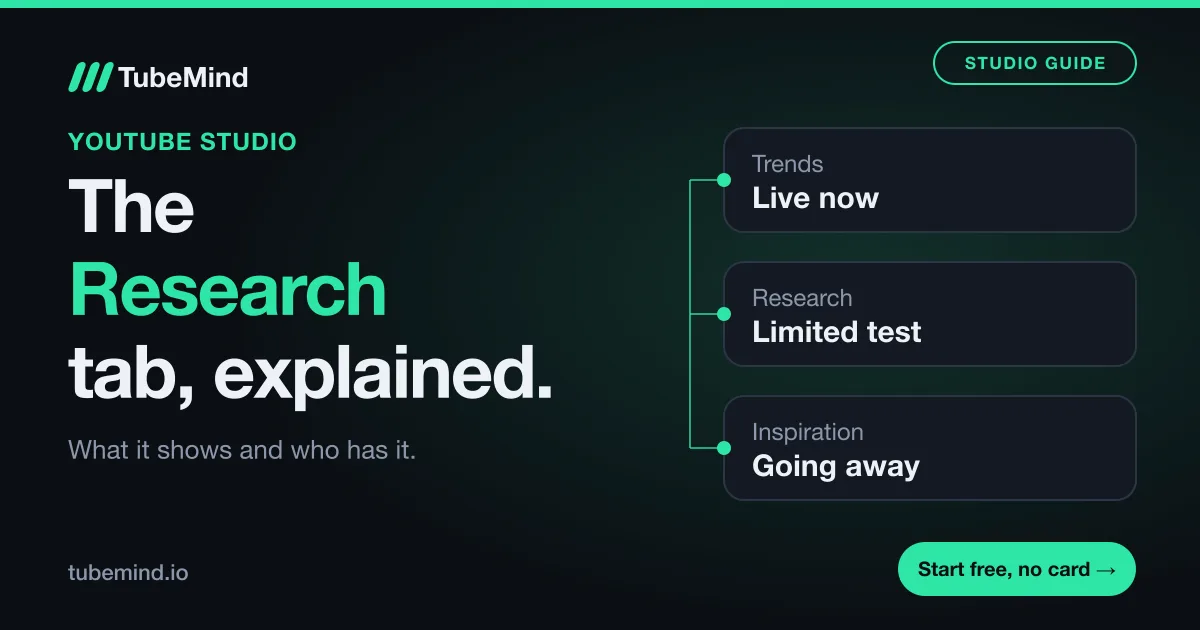
Three tabs that get confused
Most articles on this topic describe only one of these, and some mix two together.
| Name | What it is | Status on 2 Nov 2026 |
|---|---|---|
| Older Research tab | Search insights: top queries, rising searches, content gaps. Reached desktop in January 2024. | The same YouTube Help page now calls it Trends |
| Trends tab | Top searches, breakout videos, recent videos, Shorts content gaps, audience interest, mostly over 28 days | Live, with Help warning that Studio is changing from July 2026 |
| New Research tab | Other channels' videos with an outlier multiplier and filters | Limited test, no rollout date |
| Inspiration tab | AI ideas, titles, thumbnails and outlines under Content | Being deprecated from August 2026 |
The table has four rows because the Inspiration tab is often lumped in as well. If a guide tells you to open Inspiration and search a topic, it is probably describing an older layout.
How to check which one you have
- Sign in to YouTube Studio on a computer.
- Look at the left menu. If it says Insights instead of Analytics, you are in the redesigned test.
- Open that section and read the tabs along the top.
- If you see Research, open it and look for videos with a multiplier beside them.
- If you see Trends, you have the current layout. Top searches and content gaps are there.
If you have saved keywords on desktop and you land in the test, download them. Net Influencer reports they are being retired, with three months to save them as a CSV or reach them in the mobile app. I would do this on the first day, because that note is easy to miss.
What the new Research tab shows
Going by Tubefilter's report and YouTube's reported forum update, each video lists the creator's subscriber count, the upload date, total views and an outlier multiplier. The examples seen so far ran from 4x to 132x. You can filter results, for example to a very recent window, to spot formats that are just starting to work.
The feature that matters most is "watched by my viewers". It narrows results to videos with strong viewership from your own audience. Joos called that filter a "massive" opportunity, and I agree. Outside tools, including mine, see public statistics only. We can tell you a video beat its channel's usual views. We cannot tell you your viewers watched it. YouTube can.
How to use it on a normal week
- Filter to recent uploads, so you see what is working now.
- Turn on the viewer filter to keep what your audience already chooses.
- Open the top five videos and write down the topic and the promise in each title. Skip the exact wording.
- Ask what you could add from your own experience. If the answer is nothing, drop the idea.
- Check your own past videos for that subject in your analytics.
Here is a made-up example. Say you run a cooking channel for beginners, and the filter shows three videos about one-pan meals at 12x, 9x and 6x from channels your size. Your viewers are clearly open to that promise. You would not copy a recipe. You would make the one-pan video only you can make, and watch how it does against your normal upload.
Research tab or a third-party tool?
The fair answer is that they answer different questions.
| What you want | Research tab | Outlier tool such as TubeMind |
|---|---|---|
| Videos your viewers already watch | Yes, only YouTube has this | No |
| Studying a niche with no audience yet | Weak, it leans on your viewers | Yes, search any niche |
| Researching a brand new channel | Little data to draw on | Yes |
| Saving and exporting results | Not reported | Saved lists and CSV export |
| Tracking rival channels with alerts | Not reported | 2 trackers on the free plan |
| Knowing how the score works | No published formula found | Public method |
| Cost | Free | Free plan, then $19 a month |
If you have access and an established audience, start with the Research tab. It is free, and its best filter is something I cannot offer. If you are starting from zero or moving into a new niche, your viewers cannot tell you much yet, and you need a search across public data. The free outliers feed is one way, and the niche checker helps you judge a topic. I go through the paid tools in my comparisons hub, and reading an outlier score applies in any of them.
Limits and what is still unknown
I could not test the new tab for this guide, so the description above comes from reports, and I did not fill the gaps with guesses. YouTube has not, as far as I could find, published a help page for the new tab or a formula for its multiplier. One blog says the multiplier uses a video's first seven days, and a competing vendor says YouTube named the tab on stage at Made on YouTube in September 2026, but TechCrunch's report of that event mentions only a research feed in the Studio app, so I would hold both claims loosely.
A risk worth naming: if everyone filters the same way, similar videos get made. Tubefilter raised the same worry. An outlier shows you an audience's interest, and your angle still has to be yours.
Sources. Tubefilter, 5 August 2026 (YouTube spokesperson, Mario Joos). Net Influencer, July 2026 (YouTube's 16 July forum update). YouTube Help on Trends and Inspiration, read on 2 November 2026. Search Engine Journal, 31 January 2024. TechCrunch, 23 September 2026. The first-seven-days claim is from a Miraflow blog post; the Made on YouTube claim is from OutlierKit, a competitor.
No access yet? Search any niche in the free outliers feed.
Research right on YouTube: the free TubeMind Chrome extension shows the outlier multiplier, a revenue estimate and similar channels on YouTube pages.
Frequently asked questions
What is the Research tab in YouTube Studio?
It is a planning tab being tested in YouTube Studio. Reports say it replaces the Trends tab for a limited group of creators and lists other channels' videos with subscriber counts, views, upload dates and an outlier multiplier. An older Research tab, focused on search, has existed for years, so guides often mix up the two.
Why don't I see the Research tab?
Probably because you are not in the test. A YouTube spokesperson told Tubefilter in August 2026 that it was an experiment with a small number of users. YouTube Help also says some insights are limited to certain countries, languages and devices. Look under Analytics or Insights for a tab called Trends or Research.
How does the Research tab work out its multiplier?
YouTube has not published a formula that I could find. Reports describe it as how a video did against its creator's other content, and one blog says it uses a video's first seven days, which I could not confirm. Treat it as a guide, and do not compare it with a multiplier from a third-party tool.
What happened to the Inspiration tab?
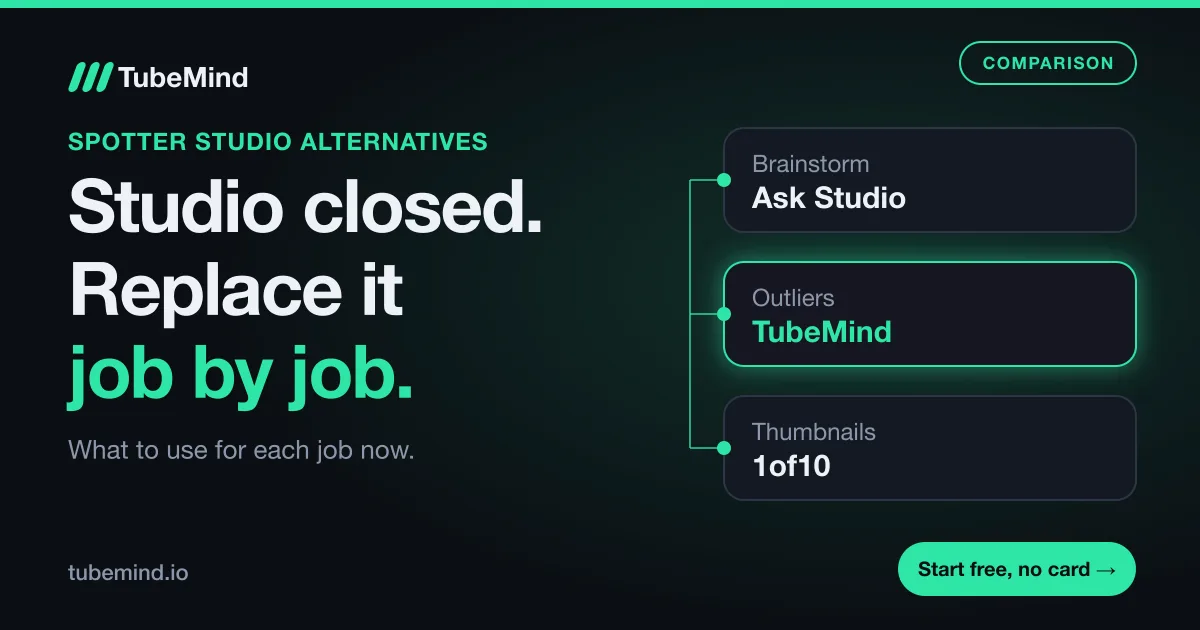
YouTube Help says it began gradually deprecating the Inspiration tab in August 2026 and tells creators to use Ask Studio for brainstorming. That page covers the AI idea tool under Content. Ideas saved in earlier versions can be exported through Google Takeout.
Is the Research tab free?
Yes. It sits inside YouTube Studio, so there is nothing to buy, as long as your channel has access. The trade-off is reach: you only see it for your own channel, it has no export that I could confirm, and it is not yet offered to everyone.
Do I still need an outlier tool if I have it?
Maybe not. If you have the tab and your audience is big enough to fill it, try it first. Tools still help when you are researching a niche you have no viewers in yet, when you are starting a new channel, or when you want to save and export results.