In this guide
In January 2022 the basketball creator Jesser posted "Going to 3 NBA Games in 24 Hours". It did well, and the YouTube strategist Paddy Galloway, who consulted for Jesser, picked it out as a hit. Galloway told Forbes he looked at that video and thought, "five in 50." Jesser's follow up, "Going to 5 NBA Games in 50 hours", went up in March 2022. When we checked both on 23 November 2026, the first had about 6.0 million views. The sequel had 15.1 million.
Short answer: search the questions your viewers type, then check two places in YouTube Studio, the "Channels that your audience watches" card and the Research tab. Feed the best names you find into a similar channel finder, drop anything inactive or in another language, and rank what's left by median views. Subscriber counts can wait.
Galloway's starting question, in that same interview, was simple: what are the five or six best performing videos on this topic, and could we make them again in some form? Notice what that question needs. You can't answer it until you know who else makes videos for your viewers, and which of their uploads beat their own normal. That second half is what most competitor guides skip. They hand you a list of big names and stop.
Who Actually Counts as a Competitor on YouTube?
A competitor is a channel your viewer could pick instead of you, today. Topic alone doesn't make one. A Pakistani cooking channel in Urdu and an American cooking channel in English share a topic and almost no viewers. They aren't fighting over the same home feed.
We use four tests. Same viewer, same language, same format (Shorts against Shorts, long videos against long videos), and still uploading. A channel that stopped posting a year ago can teach you history. It won't tell you what's working this month.
Then split the list by size. Three or four channels close to yours show what's possible at your stage. One or two that are clearly bigger show where the niche can go. And it pays to keep one newcomer, a channel under a year old that's already pulling views. That one tells you the door is still open.
Why Doesn't Searching Your Niche Name Work?
A creator on r/NewTubers put it plainly: he knew his niche but couldn't find competitors "by simply typing the name of my niche", because channel names often have nothing to do with the topic. He's right. Nobody calls their channel "Budget Travel Videos". They call it something like Kara and Nate.
So search for videos, not channels. Type the exact problems your viewers type: "cheap flights from Lahore to Dubai", "best phone under 50000", "how to start dropshipping in India". Do it in the words your audience really uses. For a Pakistani or Indian audience that often means Roman Urdu or Hinglish, and sometimes Hindi in Devanagari. The channels that rank for "sasta ghar kaise banaye" are not the ones that rank for "low cost house construction".
Your own watch history bends these results, so use a private window or a signed out browser. Then open the Filters menu. YouTube Help confirms you can filter by content type, Channel included. The upload date filter is worth a click too: set it to this month and the channels that only ranked back in 2019 fall away. Write down every channel that shows up for two or more of your searches.
Step 1: What Does YouTube Search Show for Your Viewer's Questions?
Write 10 to 15 searches on a notepad. A couple broad ("budget phones"), most of them narrow ("best camera phone under 40000 PKR"). Scroll two screens deep on each one, because the small channels you actually want rarely sit in the top three.
We'd run every term with the Video filter first, since that shows who is getting the click today. A second pass with the Channel filter is cheap and now and then turns up a channel whose name really does match the topic. Don't expect much from it.
Resist ranking anyone at this point. A messy list of 20 or 30 names is normal after a session like this, and step 5 throws most of it away.
Step 2: What Does YouTube Studio Say Your Viewers Watch?
This is the best free competitor data you will ever get, because it comes from your real audience. In YouTube Studio, open Analytics (on newer accounts it's called Insights), then the Audience tab. YouTube Help describes two cards that matter here.
- Channels that your audience watches: other channels your viewers consistently watched outside your channel over the past 28 days.
- What your audience watches: videos, Shorts, live streams and podcasts your viewers watched elsewhere in the past seven days.
The first card is a competitor list your viewers picked for you. Compare it with your search list. Channels on both lists go straight to the top. Channels only in Studio are the ones search would never have shown you.
Two warnings. The card can be noisy. Your viewers also watch cricket highlights and news, and those channels aren't your competitors. And it needs volume. A creator on r/PartneredYoutube found it had switched to "Not enough eligible audience data to show this report", and one reply said it appears once you pass a view threshold over 28 days and disappears when you fall below it. If you're new, skip to step 3 and come back later.
Step 3: Which Competitor Videos Are Beating Their Own Normal?
Here's where we disagree with most of the guides ranking for this keyword. They say to look at a competitor's most popular videos. That's the wrong sort order. A channel with two million subscribers gets big numbers on nearly everything, so its top video mostly tells you how big the channel is.
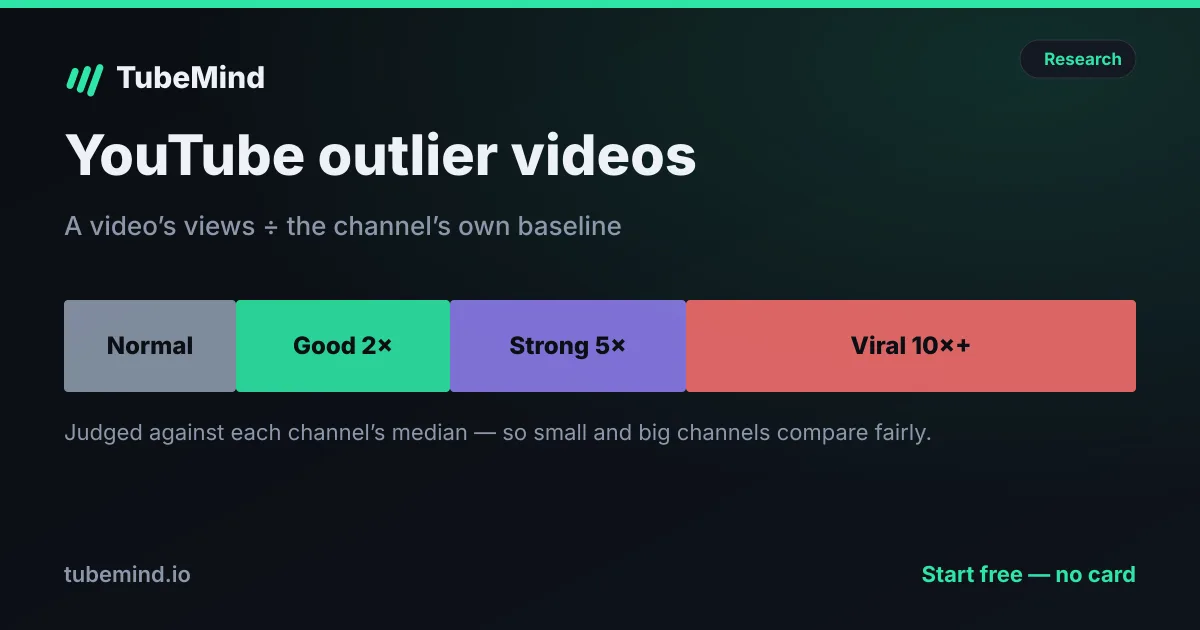
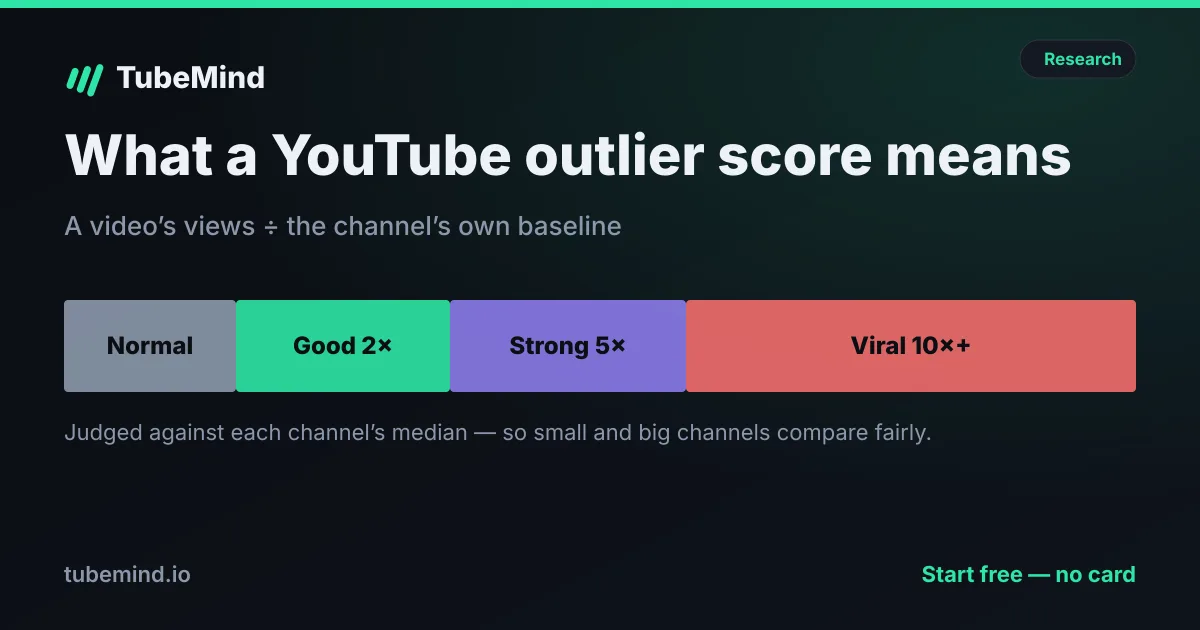
What you want are outliers, videos that did far better than that channel usually does. YouTube now shows this itself. Its Research tab in Studio (Insights, then Research) has an Outlier Score filter. YouTube's own example: a 5x score on a long video means it got five times the views of that channel's earlier long uploads. It also has a filter called Watched by my viewers, which narrows results to what your audience watched on other channels in the last month.
Put those two filters together and you have something close to a perfect competitor feed: videos your own viewers chose, which also beat their channel's baseline. No outside tool can see what your viewers watch. That's YouTube's data. Not every account has the new tab yet, so check first; our guide to the Research tab in YouTube Studio explains how to tell.
If you don't have it, or you want to check a specific channel, paste it into the YouTube outlier finder. It ranks each video by how many times it beat the median of that channel's last 30 uploads in the same format, so Shorts are never judged against long videos. You can set the minimum to 2x, 3x, 5x or 10x, filter by channel size and pick a language, and Hindi and Urdu are on the list. Signed out you see the top five results. A free account shows 25. If the numbers confuse you, read what a YouTube outlier score means before you act on one.
You can also go the other way. Browse this month's outlier videos, spot one in your topic, and add its channel to the list. Some of the best competitors we see are small channels that had one breakout and nobody noticed yet.
Step 4: How Do You Find Channels Search Missed?
By now you have a few strong names. Use them as seeds. Paste one into the similar YouTube channel finder and it returns channels from TubeMind's index ranked on how close they are. Topic carries 55% of the score, and only channels in the same language are compared at all, which is why an Urdu cooking channel never gets matched with a Spanish one.
The size filter is the one we use most. Set it to smaller, similar or bigger than your seed and you can fill the peer, bigger and newcomer slots from earlier in about a minute each. Flip the format filter if your seed mixes Shorts and long videos, since those two crowds rarely overlap. There's a Faceless only box as well. It relies on TubeMind's label, so click into a few channels before you believe it.
One seed can be too narrow. You can add up to five, and the channels that sit close to several of them float to the top. Export CSV gives you the whole list with a line on why each channel matched. Signed out, the finder shows five results; a free account raises that to 60 direct matches plus 10 same format ones. And if your Studio card named a channel the finder didn't, just add that channel as another seed.
Step 5: Median Views or Subscribers?
Ignore the subscriber count for a minute. Subscribers pile up over years and hardly ever drop, which is how a channel that peaked in 2019 can still look like the giant of its niche. Averages lie too. Say a channel's last seven uploads got 2K, 3K, 4K, 5K, 6K, 9K and 60K views. The average is about 12.7K. The median, the middle one, is 5K, and that's the number a new upload there really gets.
So line the channels up on median views of recent uploads first. Then look at how often each one posts, because a channel uploading 12 times a month and one uploading twice aren't in the same race. Check the Shorts share too. If they're 90% Shorts and you make 15 minute videos, you're barely competing. Then find each channel's best recent video and how many times its median it hit. Likes and comments per view come last. They're rough, but they hint at how attached the audience is.
You can do this by hand in a spreadsheet. Or paste two to four channels into the YouTube channel comparison tool, which reads their 30 most recent public uploads and needs no login. It skips videos less than three days old when it works out the median, because those are still collecting views, and stars whichever channel leads each row. The Audit button beside a channel opens a full channel audit if you want to go deeper on one.
When you're done, keep six. Three peers, two bigger channels, one newcomer. Anything past that tends to become a list nobody opens.
Step 6: What Do You Do With the List Each Week?
Pick a day. Ours would be Monday, before planning the week's video. Go through your six channels and note anything new that reached 3x that channel's median. A line per video is plenty: what it's about, what the title promises, what's on the thumbnail. Skip the exact wording, you're after the shape of the idea.
Now ask Galloway's question about each one. What's the twist? Jesser didn't remake three games in 24 hours, he went to five games in 50, and that sequel pulled about two and a half times the views. If you can't find a twist that's honestly yours, let the idea go. Our piece on where copying an idea stops being legal covers the grey areas.
Every two months or so, redo steps 1 to 5. Some of your six will have gone quiet by then, and as your audience grows the Studio card will start naming channels it never showed you before.
How to Find Competitors With TubeMind
None of the six steps needs a paid tool. Steps 3 to 5 are the slow ones, though, and we built two shortcuts for them in TubeMind.
From the website. Open the similar YouTube channel finder and paste your channel, or a strong competitor, as the seed. Add up to five seeds if you have them, then set the size filter to fill the peer, bigger and newcomer slots. Press Find similar channels and read the reason under each name before you keep it. Signed out you get five results, a free account gets 60, and Export CSV saves the lot.
While you watch YouTube. Install the free TubeMind Chrome extension and connect a free account. Open any competitor's channel page and you'll find a Similar channels tab in YouTube's own tab bar. Each card has Compare, which puts that channel next to the one you're on, and Analyze, which opens its full report. See a channel that clearly isn't a competitor? Hit the X and it leaves your list. A free plan shows the three closest matches.
Both lean on the same index, so expect overlap. The extension is quicker when you're already browsing; the finder is better for building the full list of six.
What Changes for Faceless and Automation Channels?
Faceless channels are easier to research and easier to misread. Easier because many of them use the same handful of formats, top 10 lists, story narration, explainer animation, so outliers are easy to spot across channels. Harder because a lot of what you'll find is low effort, and studying a weak channel teaches you weak habits.
Two rules. First, check how long the channel has existed before you copy its pace. Automation channels often post daily for a few months and then vanish. A channel that has kept going for two years is a better model than one that blew up in October.
Second, never borrow a competitor's actual footage or voice track. Studying their topics is research. Re-uploading their clips with a new voiceover is how channels end up limited for reused content. If you're building in Urdu or Hindi, our list of faceless channel ideas in Urdu and Hindi is a good place to look for gaps your competitors haven't covered.
How Is This Different From vidIQ or TubeBuddy?
Both are fine tools, and vidIQ's competitor guide is the top result for this search. But that guide stops at finding names: keyword research, searching, the Studio card, and recommended videos. It never says how to rank the channels once you have them, and it doesn't mention outliers or medians at all.
That's the part we built TubeMind around. Who your competitors are matters less than which of their videos beat their own baseline, in your language and your format. For channels in Pakistan and India, the language filter alone changes the answer, because a tool that ignores language can hand an Urdu channel a list of American ones and call them similar. If you're still choosing what to make, start with how to find a YouTube niche and come back here once you have one. And for the full method behind outliers, read our guide to YouTube outlier videos.
FAQ
How many competitors should I track on YouTube?
We'd say six. Three near your size, two clearly bigger, one newcomer. With two or three you don't see enough uploads to spot a pattern, and with fifteen you quietly stop opening them after a month.
Can I see a competitor's watch time or retention?
You can't. Retention graphs, average view duration and click through rate stay inside the owner's Studio. Views, likes, comments, length and upload date are public, and honestly that's enough once you look at medians and outliers instead of totals.
Why is "Channels that your audience watches" empty for me?
YouTube only fills it when your channel has had enough eligible viewing in the last 28 days, so newer channels often get the "Not enough eligible audience data" message. Lean on search, the Research tab and a similar channel finder for now and check the card again next month.
Should my competitors be bigger than me?
A couple of them, yes. But a video with a million views on a 5 million subscriber channel mostly proves the channel is big. A 5x outlier on a channel with 20,000 subscribers says far more about whether the idea itself works.
Is it okay to copy a competitor's video idea?
Covering the same subject is fine, and nobody owns a topic. Lifting their script, footage, thumbnail art or music is a different thing. Take the pattern, bring your own twist and make it with your own material.
Sources
Checked on 23 November 2026.
- YouTube Help, Understand your YouTube audience (Channels that your audience watches, 28 days; What your audience watches, 7 days): https://support.google.com/youtube/answer/9314416
- YouTube Help, Research content and find trends (Outlier Score, Watched by my viewers): https://support.google.com/youtube/answer/17232321
- YouTube Help, Advanced search (Filters): https://support.google.com/youtube/answer/111997
- Forbes, What Paddy Galloway Learned Consulting for Top YouTubers, Jon Youshaei, 13 Apr 2023: https://www.forbes.com/sites/jonyoushaei/2023/04/13/from-mrbeast-to-big-brands-why-top-youtubers-are-hiring-paddy-galloway/
- Jesser on YouTube, Going to 5 NBA Games in 50 hours (views read 23 Nov 2026): https://www.youtube.com/watch?v=R26bq2CaVP4
Research right on YouTube: the free TubeMind Chrome extension shows the outlier multiplier, a revenue estimate and similar channels on YouTube pages.